








Joining data
Contents
The real power of the data warehouse is the ability to combine data from multiple tables in a single query. Joins enable you to do this. They enable you to choose fields that act as connections between PostHog and external sources.
Table joins
You can join external data on existing PostHog schemas and other external data tables. These joins are saved and interpreted anytime they're accessed on the origin table.
To define a join, go to the SQL editor, click the three dots next to your source table, and click Add join. Here you define the source table key, joining table, and joining table key as well as how the fields are accessed.
For example, if you import your Stripe data, you can define a join between the PostHog's events table's distinct_id key and the stripe_customer table's email key. You can then access the stripe_customer table through the events table like SELECT stripe_customer.id FROM events.
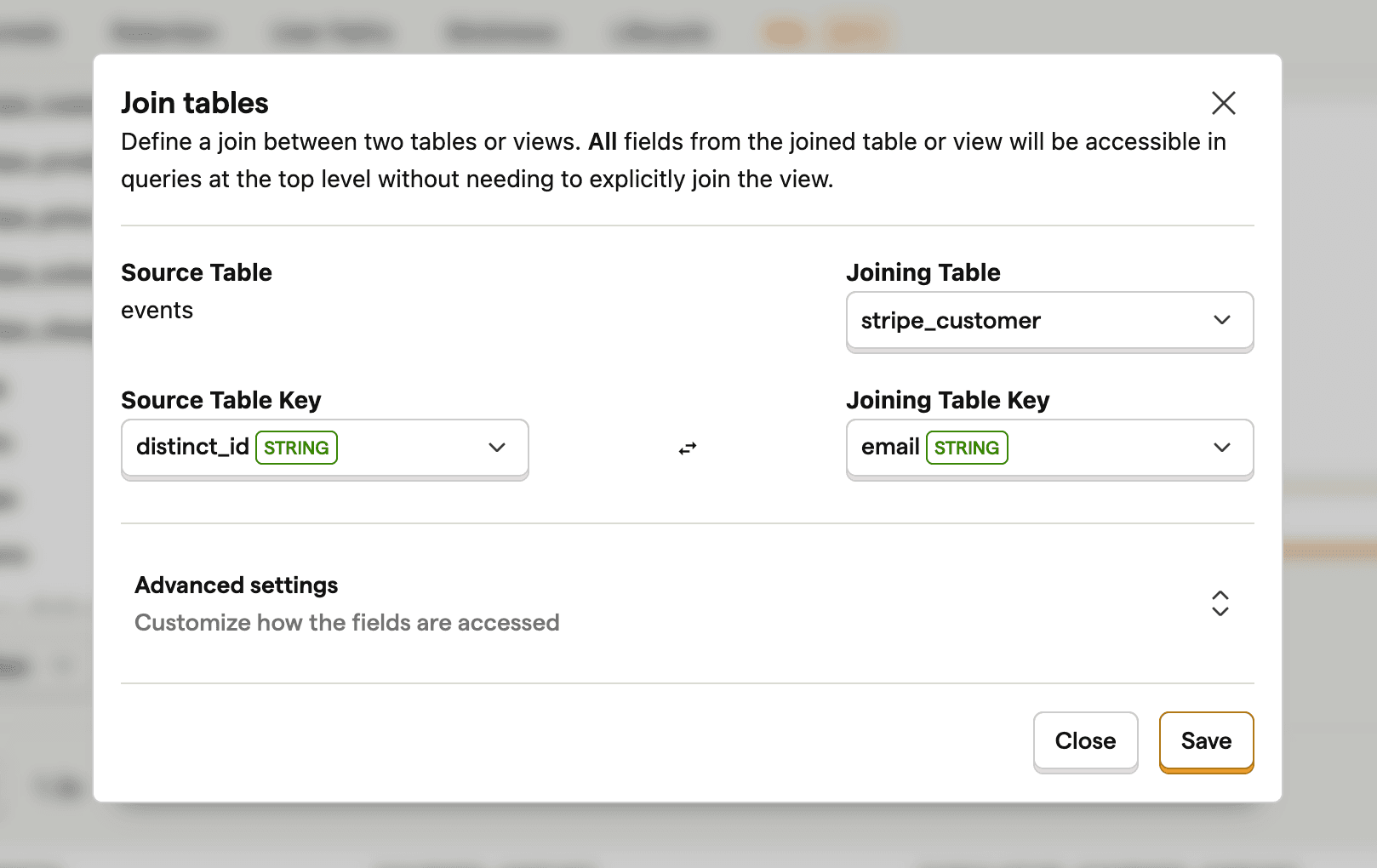
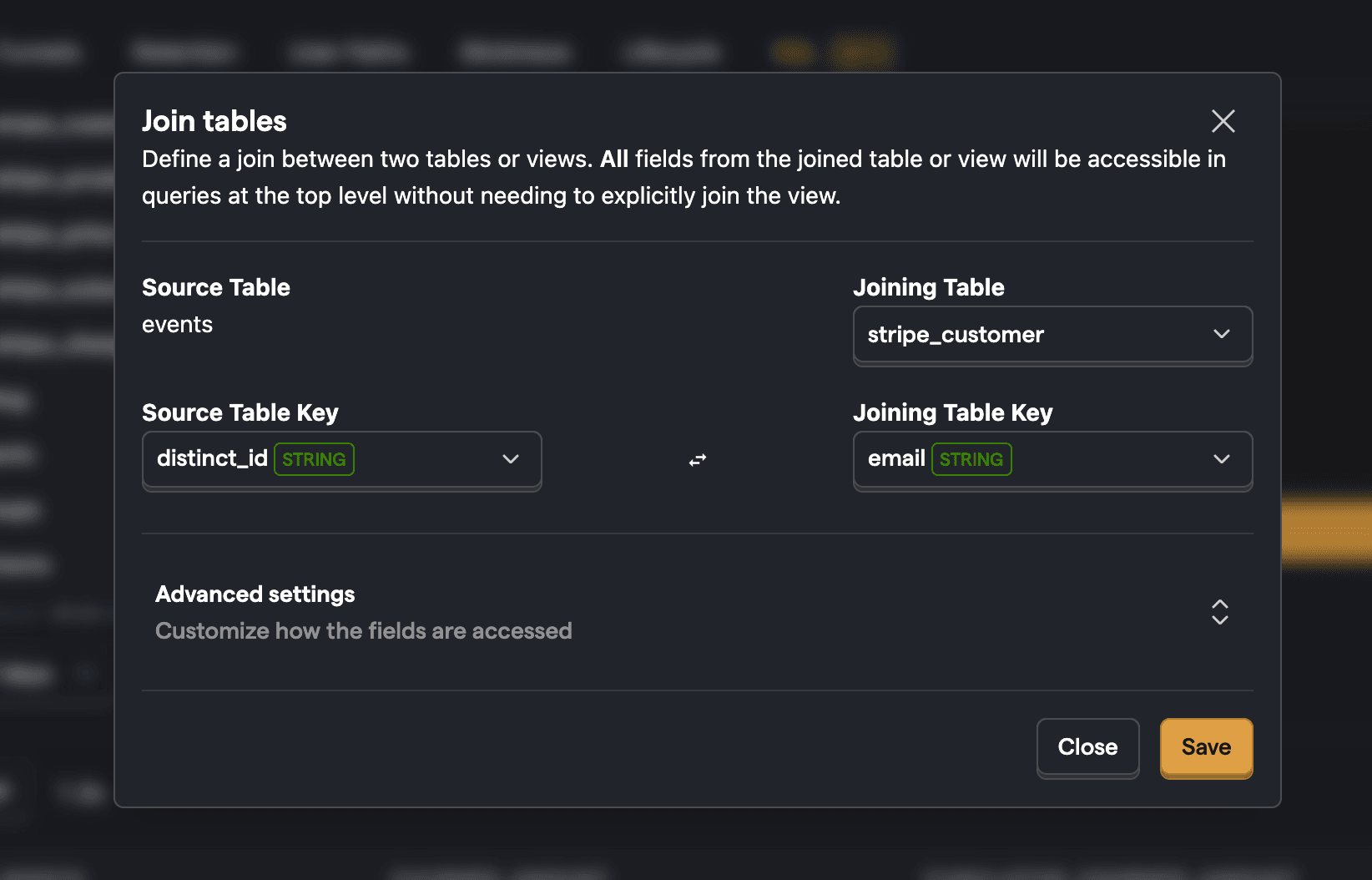
Once joined, source properties can be used in filters, breakdowns, and SQL expressions.
To edit or delete a table join, click the three dots next to your source table, click View table schema, click the three dots next to your joined table, and select Edit or Delete.
Person joins
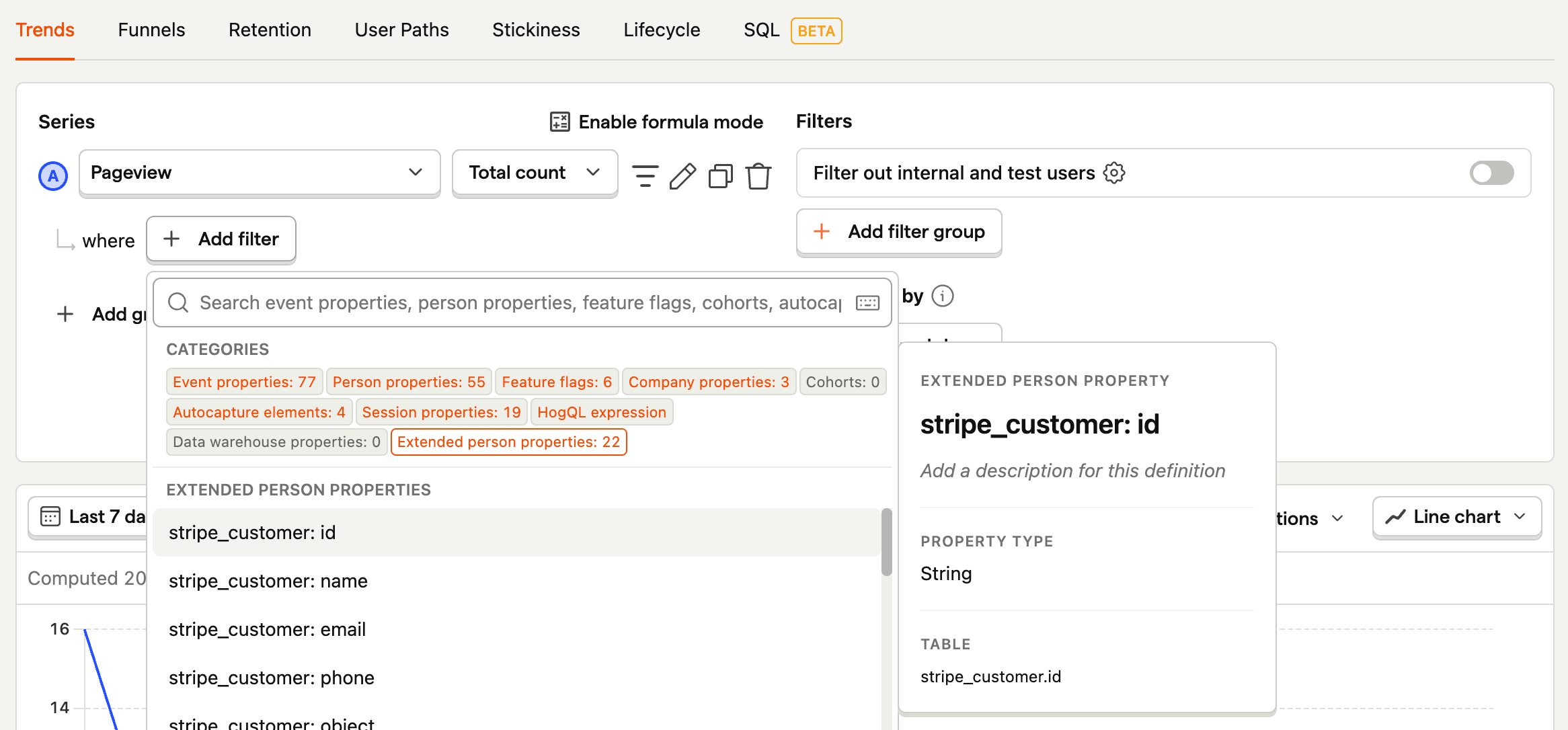
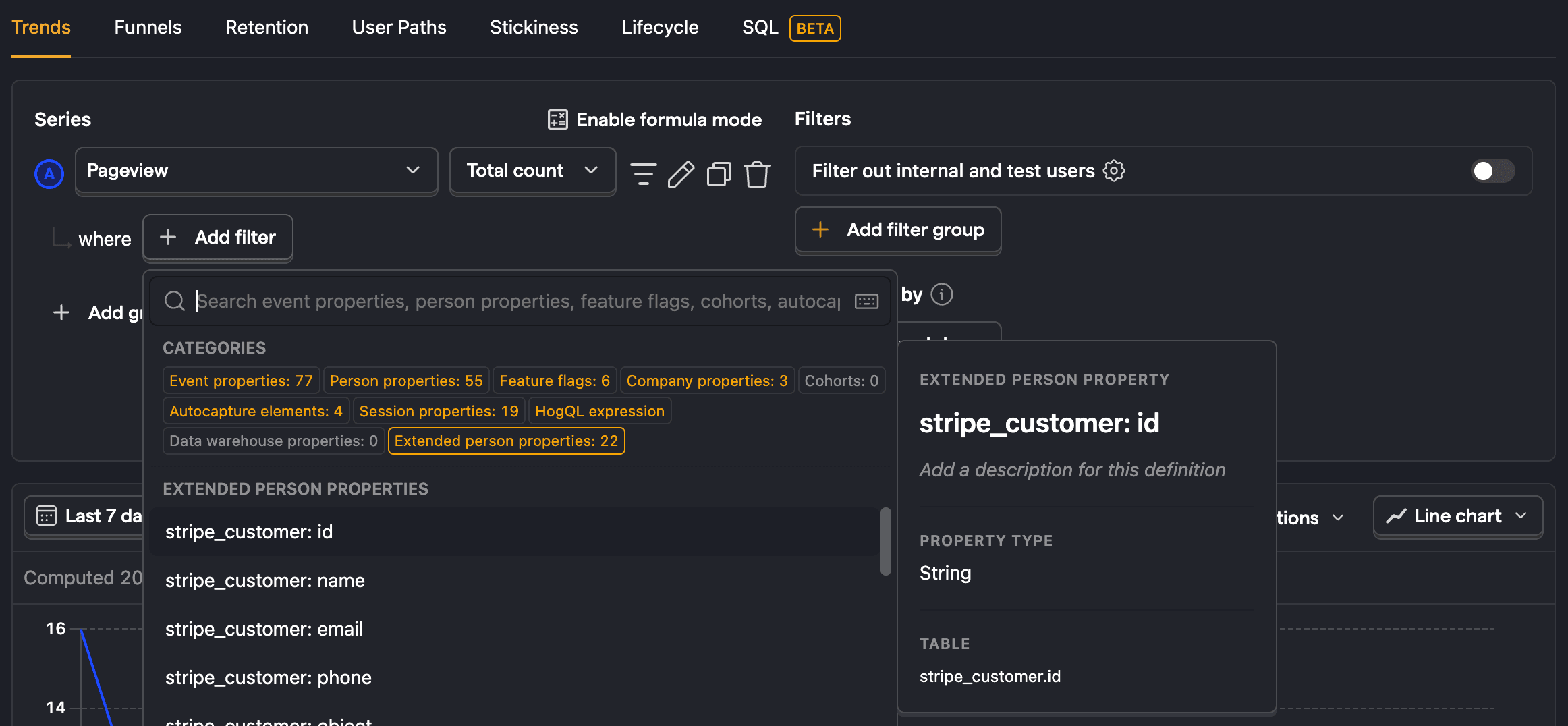
Person joins are a special type of table joins. They are joins on the persons table in PostHog. When you join external data on this table, we enable you to use it like a person filter in insights.
Note: To see
extended person propertiesin filters, be sure to start the join on thepersonstable as the source table. To do that, go to the SQL editor, find the persons table in the left column, click the three dots next to thepersonstable, and click Add join.
Note: Be sure that your joined keys actually match. For example
persons.idreturns a UUID, even if you use an email as adistinct_idwhen capturing events. You might need to add a person property like
Syncing warehouse data to person properties
In addition to person joins (which enrich data at query time), you can sync warehouse table columns directly to person properties. This creates first-class person properties that persist on the person profile and are available everywhere in PostHog, including feature flags, cohorts, experiments, and insights.
To set this up, go to Customer Analytics → Configuration → Custom properties and create a new custom property with the target set to Person. Pick a synced warehouse table, specify the distinct ID column, and map warehouse columns to person property names.
Use person joins when you only need external data in insights and SQL queries. Use property syncing when you want the data stored on the person and usable across all PostHog features.
For more details, see person properties.
Query joins
If you only want to join data together for a single insight or query, you can use SQL commands like WHERE IN and JOIN SQL commands.
For example, to get a count of events for your Hubspot contacts you can filter events.distinct_id by email FROM hubspot_contacts like this:
You can also use a JOIN such as INNER JOIN or LEFT JOIN to combine data. For example, to get a count of events for your Stripe customers you can INNER JOIN on distinct_id and email like this:
To learn more about joining data, see our guide on joining data.